
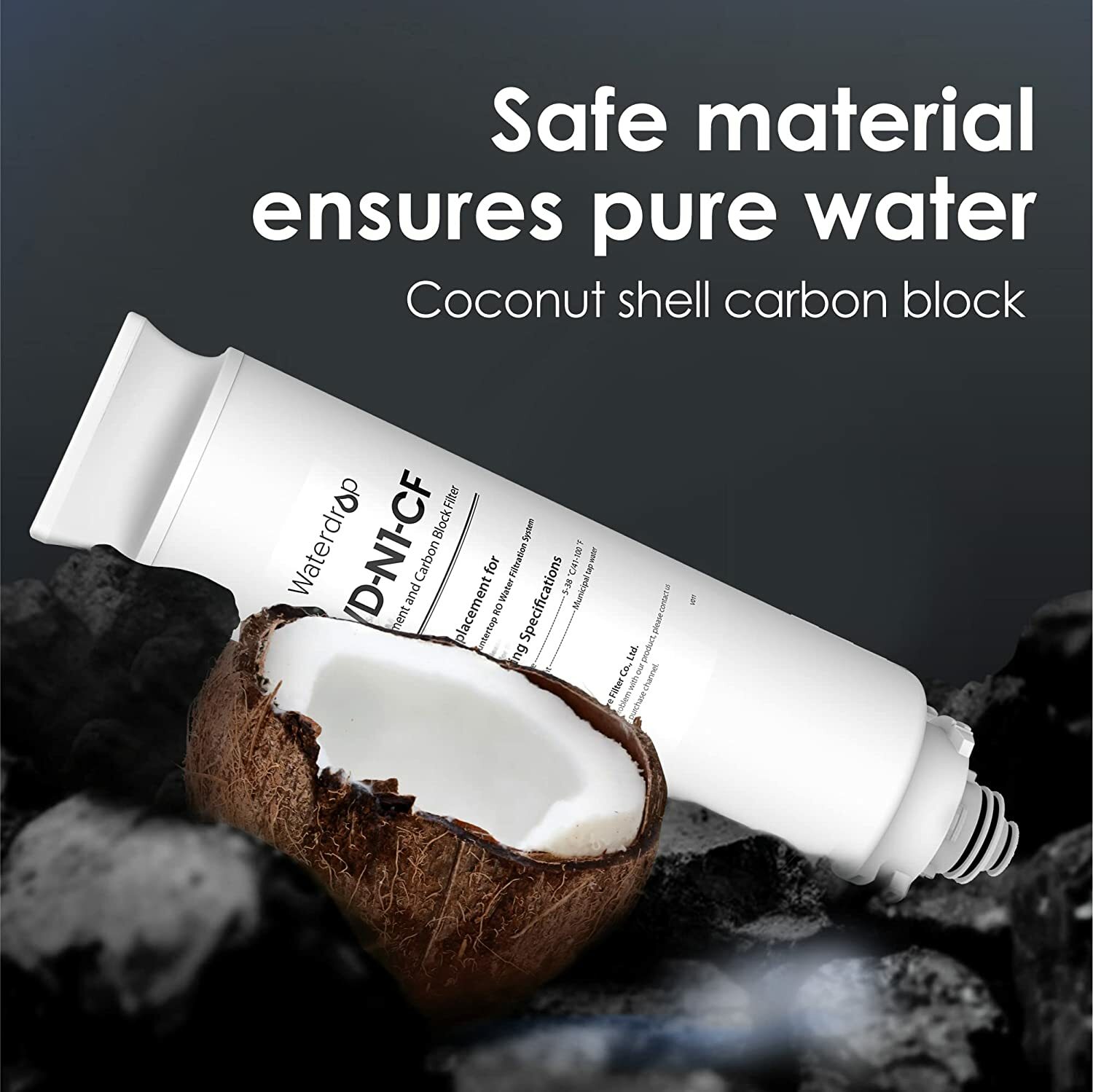
Waterdrop WD-N1-CF Filter,Replacement for WD-N1-W Reverse Osmosis System
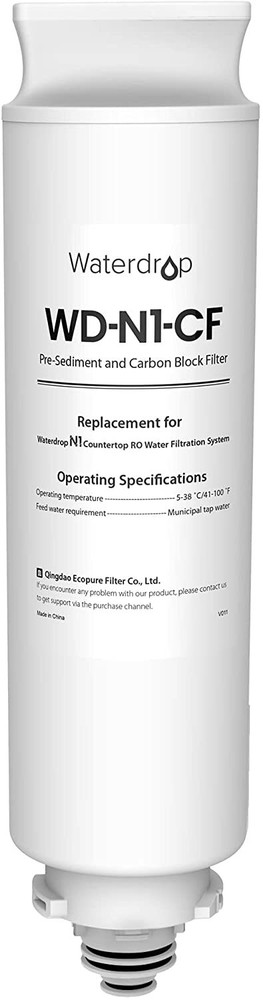
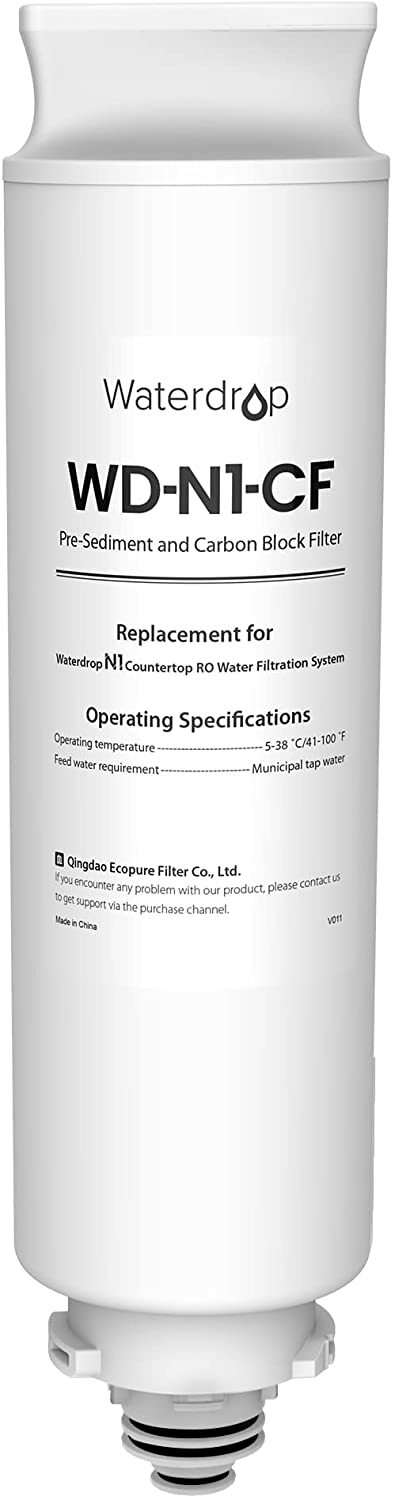
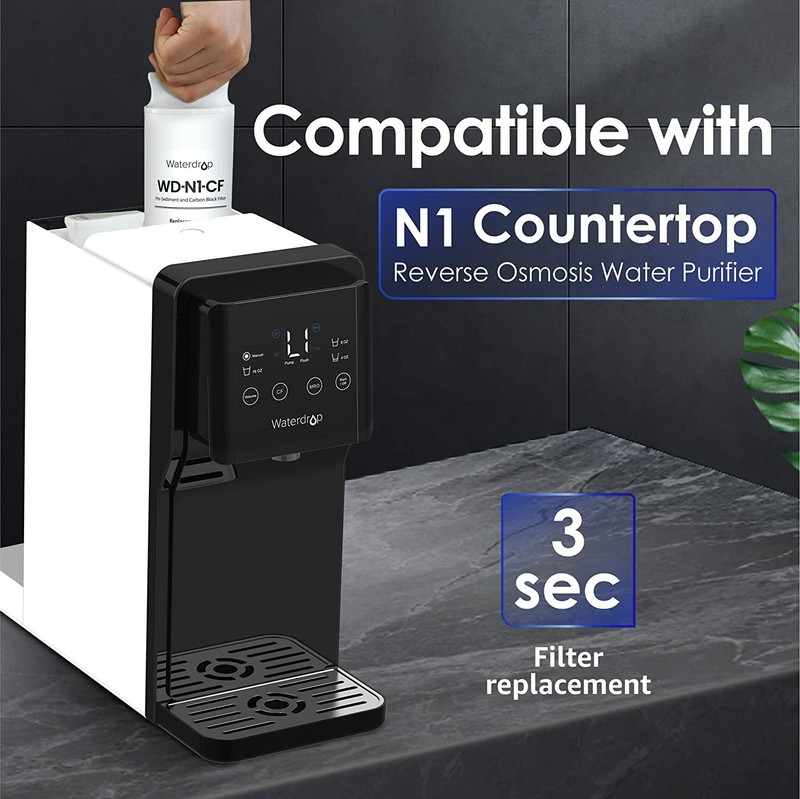
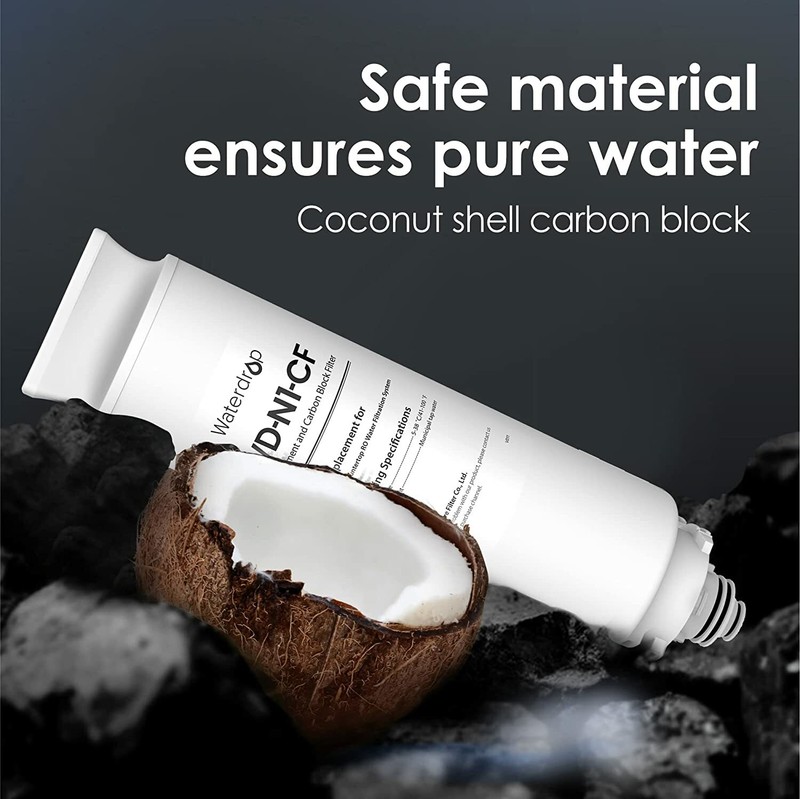
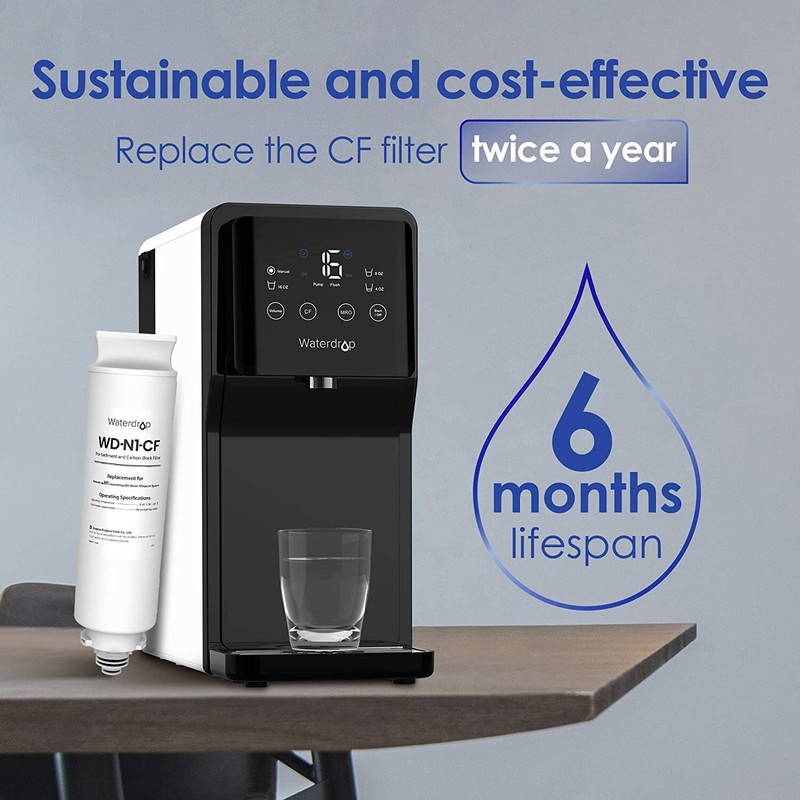
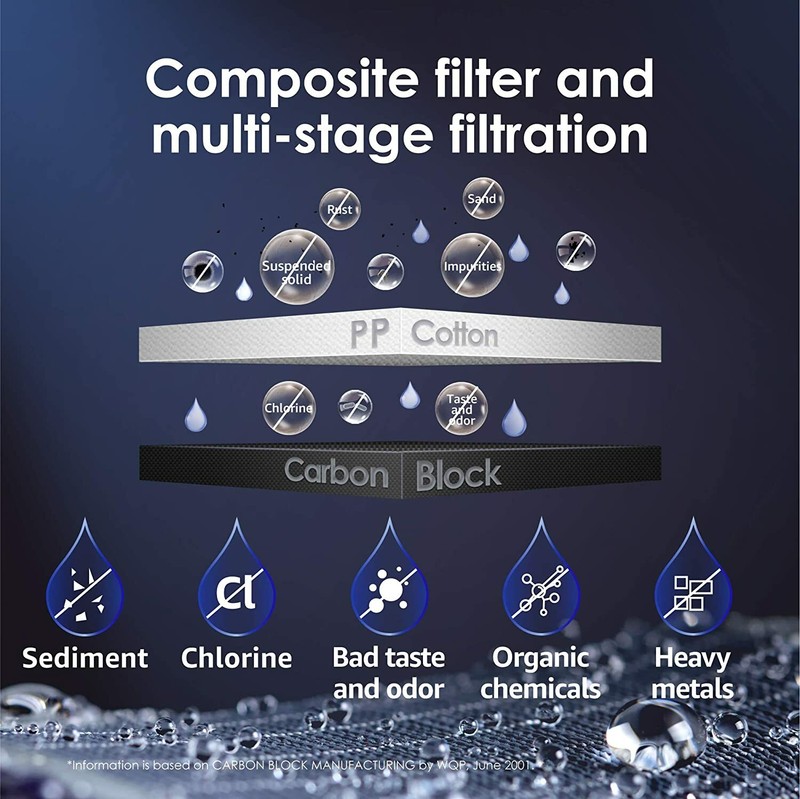
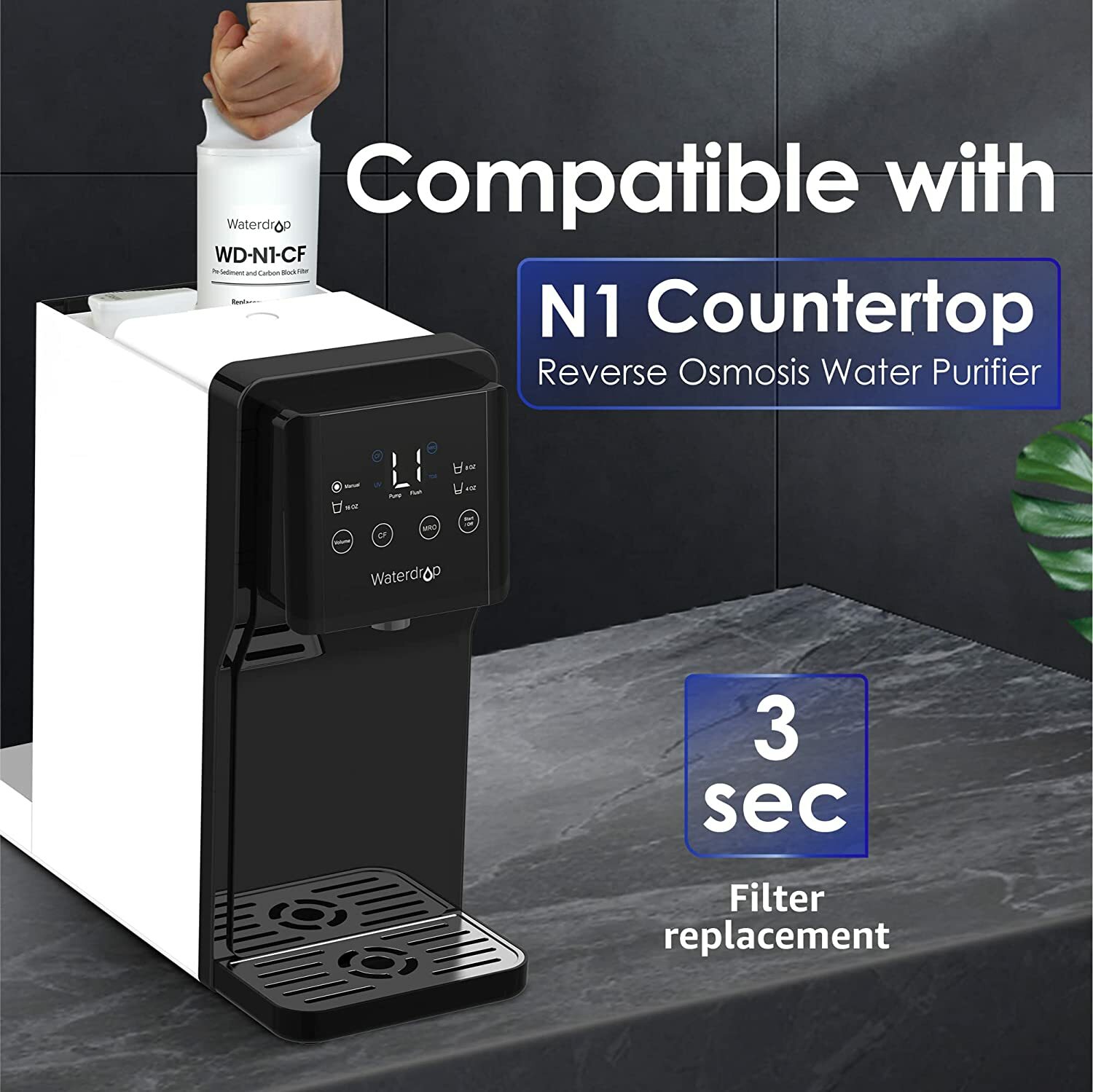
Product Description This CF replacement filter is only compatible with Waterdrop N1 countertop reverse osmosis water filtration system. The CF filter is made of carbon block and pp cotton as the main filter materials. Waterdrop adopts selected carbon block to effectively reduce fine sediment, chlorine, bad taste and odor, heavy metals (lead, mercury,etc. ). The high-grade PP cotton can stop large particles including limescale and heavy metals. Clean andpure-tasting water is always within reach with Waterdrop. The CF replacement filters do not require tools or expert plumbing skills to install. You only need just 3 seconds to replace the filter cartridge. It is recommended to replace the CF filter with a new one every 6 months. We base this recommendation on the usage and local water quality – both factors determine the cartridge lifespan. Kindly note that prompt replacement ensures optimal filtration performance. Plastic bottles take hundreds of years to decompose. Waterdrop helps to reduce plastic waste. 1.Remove the water tank. Remove the water tank cover. Hold the machine with one hand, and remove the water tank with the other hand. 2.Remove the CF filter. Open the system top cover, rotate the CF filter 90° to “. ” counterclockwise, and take out the old filter. 3.Insert the new filter cartridge Remove the wrappings and protective cap from the new filter. Insert the new filter into its corresponding hole. Rotate it 90° clockwise to the dot identification. Close the system top cover, put the water tank back after filling it with water, and then close the water tank cover. 4.Reset and flushPress and hold the “CF” filter life reset button for 5 seconds until the system beeps; the “CF” life indicator light will turn blue and go out. After resetting, it will flush automatically for 5 minutes. During the flush process, the outer ring of the display screen lights up, showing a dynamic clockwise cycle. After 5 minutes, the machine stops flushing and display L1 to remind you to change the water in the feed water tank. Take out the water tank, discard the concentrated water, and add water again. On Dec-24-21 at 00:14:26 PST, seller added the following information:
Specifications
| Return Shipping Will Be Paid By | Buyer |
| All Returns Accepted | Returns Accepted |
| Item Must Be Returned Within | 30 Days |
| Refund Will Be Given As | Money Back |
| Model | WD-N1-CF |
| Item Height | 12.13in |
| Item Depth | 2.95in |
| Item Width | 2.95in |
| Compatible Brand | For Waterdrop |
| Material | PP Cotton |
| Filtration Method | Carbon Block |
| Type | Water Filter |
| Compatible Model | For WD-N1-W |
| Color | White |
| Contaminant Removal | Chlorine Taste & Odor |
| Item Weight | 1.17 pounds |
| Brand | Waterdrop |
| Suitable For | Commercial |
Product Description This CF replacement filter is only compatible with Waterdrop N1 countertop reverse osmosis water filtration system. The CF filter is made of carbon block and pp cotton as the main filter materials. Waterdrop adopts selected carbon block to effectively reduce fine sediment, chlorine, bad taste and odor, heavy metals (lead, mercury,etc. ). The high-grade PP cotton can stop large particles including limescale and heavy metals. Clean andpure-tasting water is always within reach with Waterdrop. The CF replacement filters do not require tools or expert plumbing skills to install. You only need just 3 seconds to replace the filter cartridge. It is recommended to replace the CF filter with a new one every 6 months. We base this recommendation on the usage and local water quality – both factors determine the cartridge lifespan. Kindly note that prompt replacement ensures optimal filtration performance. Plastic bottles take hundreds of years to decompose. Waterdrop helps to reduce plastic waste. 1.Remove the water tank. Remove the water tank cover. Hold the machine with one hand, and remove the water tank with the other hand. 2.Remove the CF filter. Open the system top cover, rotate the CF filter 90° to “. ” counterclockwise, and take out the old filter. 3.Insert the new filter cartridge Remove the wrappings and protective cap from the new filter. Insert the new filter into its corresponding hole. Rotate it 90° clockwise to the dot identification. Close the system top cover, put the water tank back after filling it with water, and then close the water tank cover. 4.Reset and flushPress and hold the “CF” filter life reset button for 5 seconds until the system beeps; the “CF” life indicator light will turn blue and go out. After resetting, it will flush automatically for 5 minutes. During the flush process, the outer ring of the display screen lights up, showing a dynamic clockwise cycle. After 5 minutes, the machine stops flushing and display L1 to remind you to change the water in the feed water tank. Take out the water tank, discard the concentrated water, and add water again. On Dec-24-21 at 00:14:26 PST, seller added the following information:
Related Items