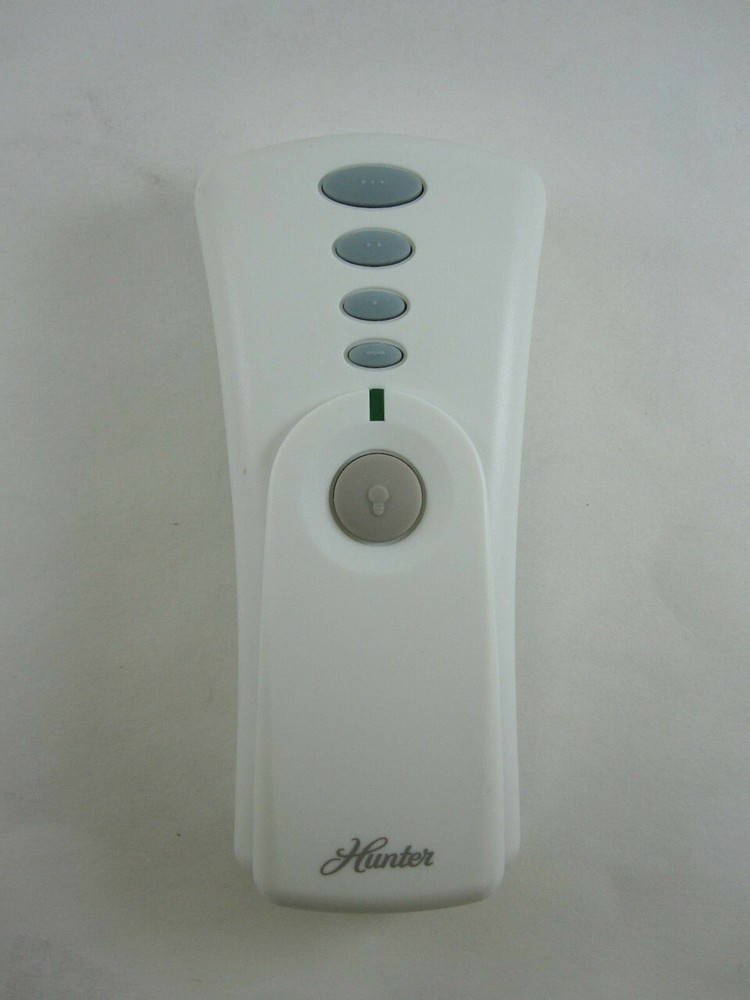
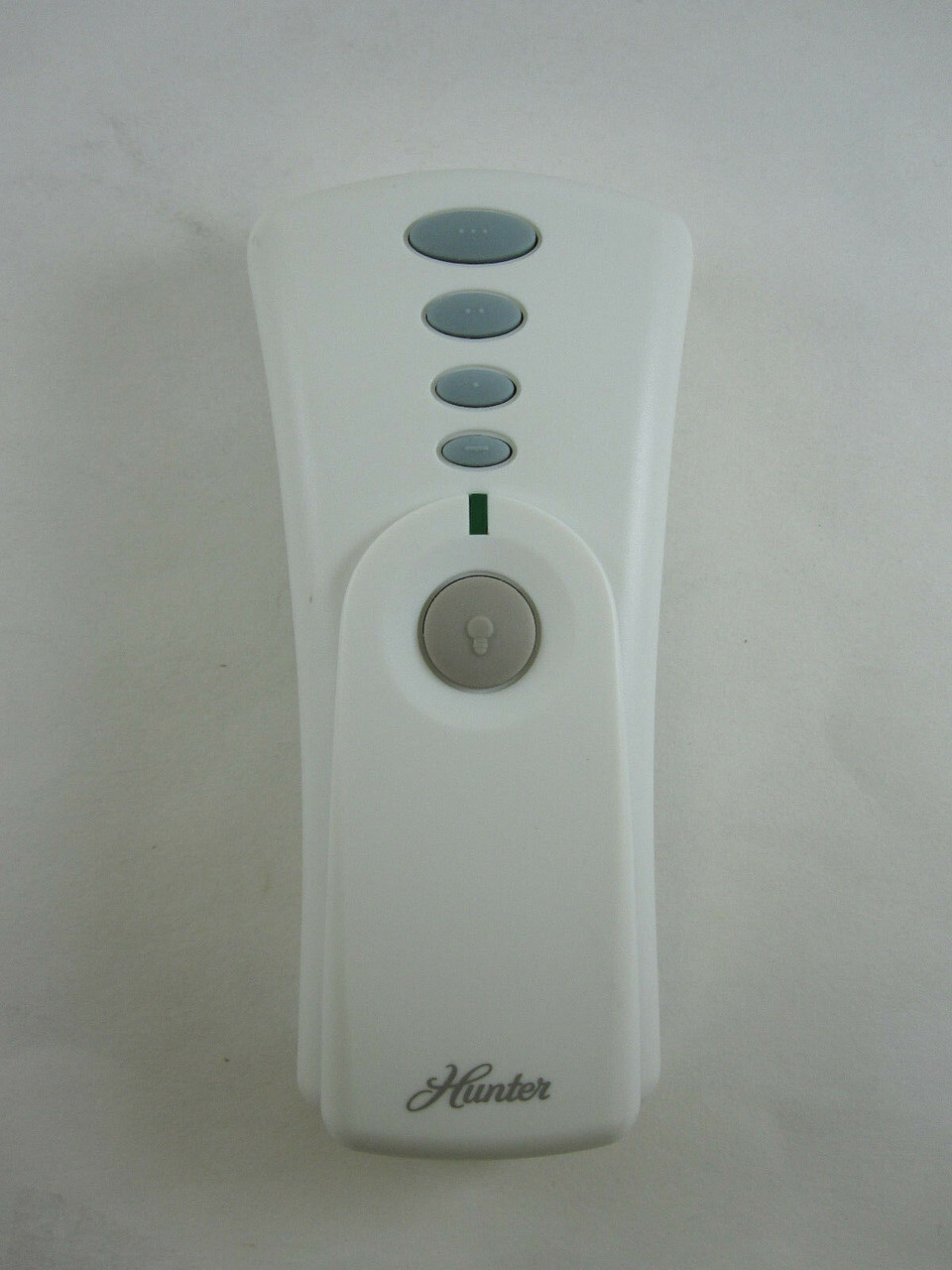


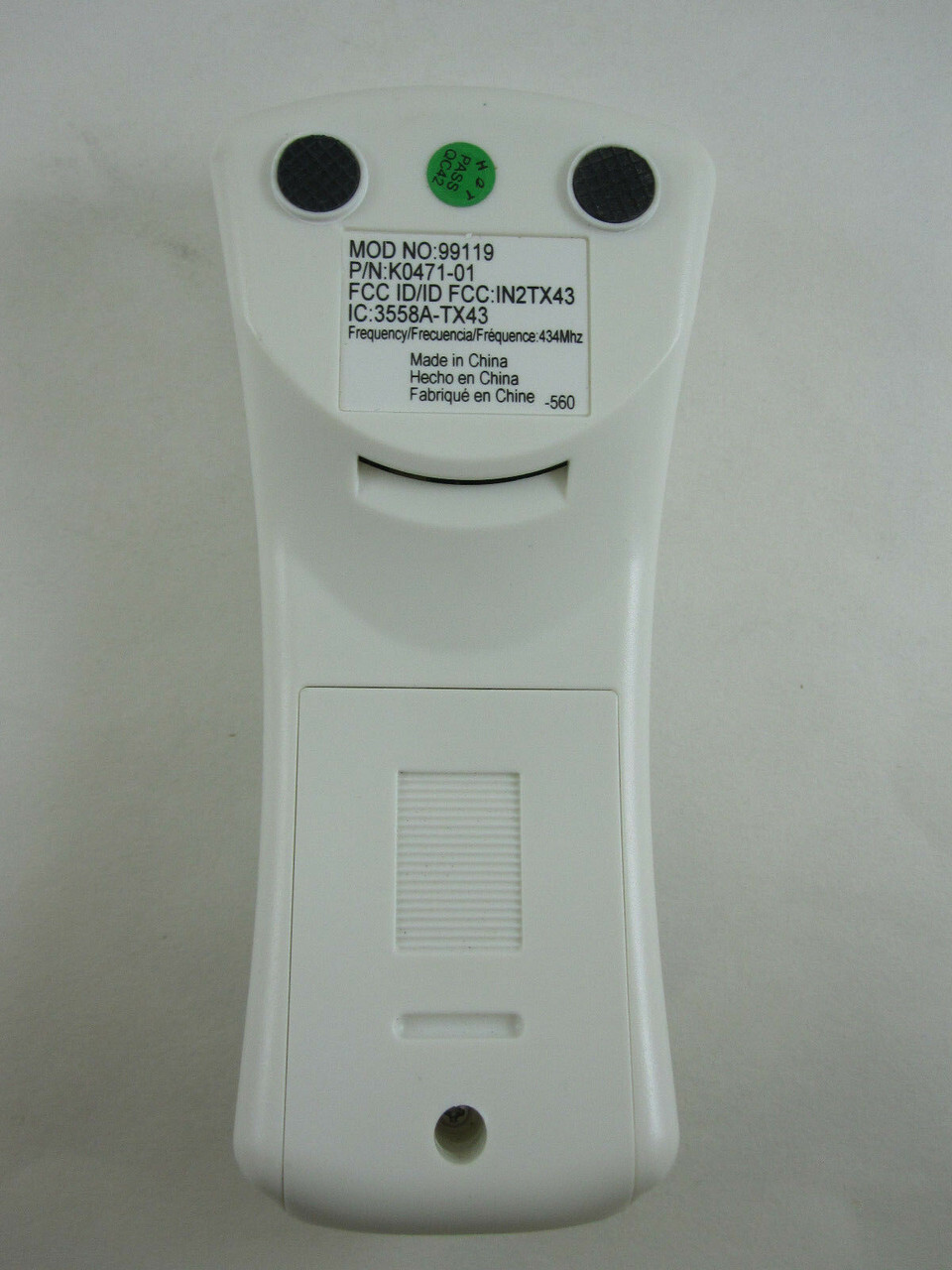
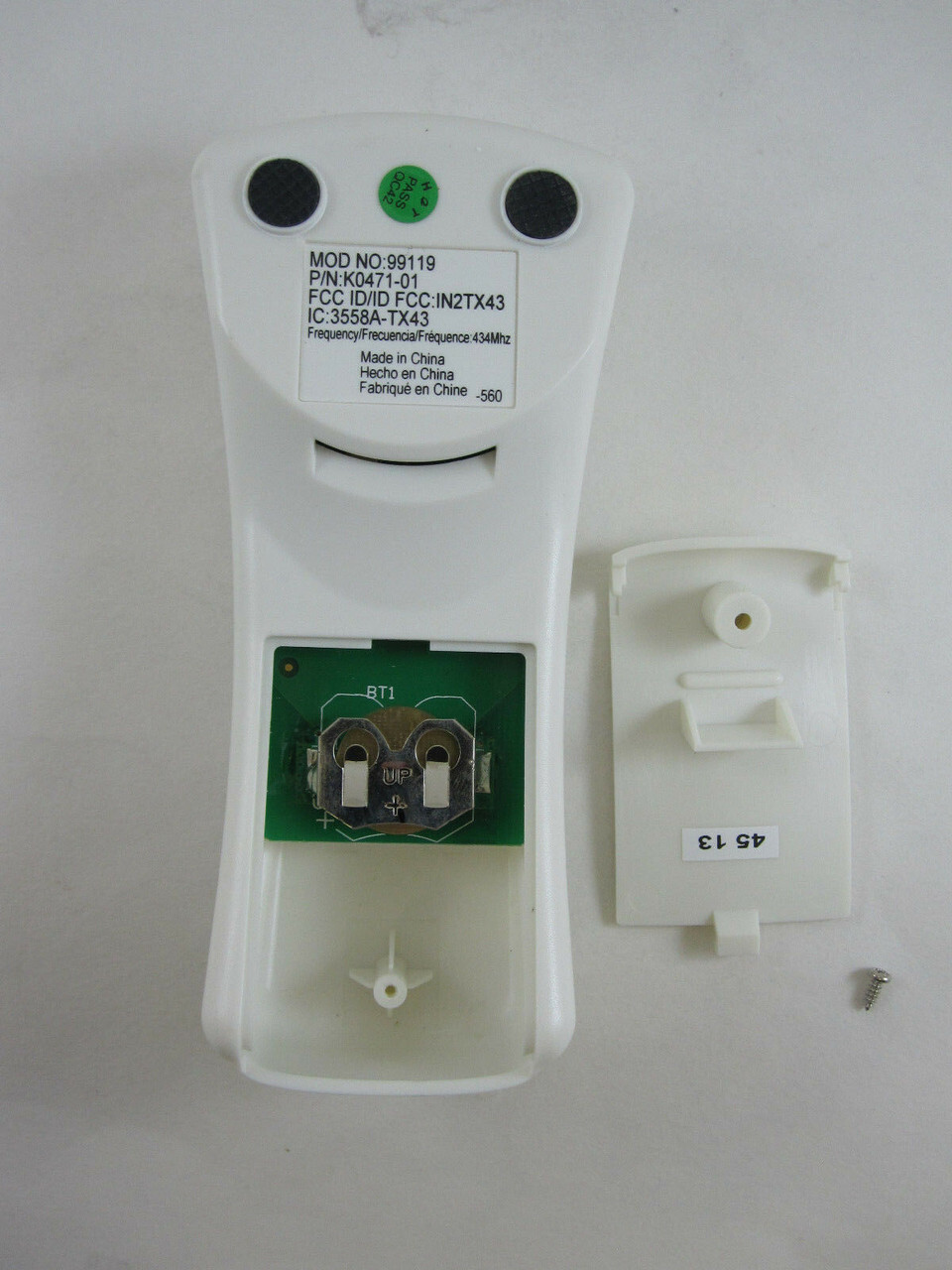
Hunter Geniune Replacement Handheld Ceiling Fan Remote Control Transmitter 99119
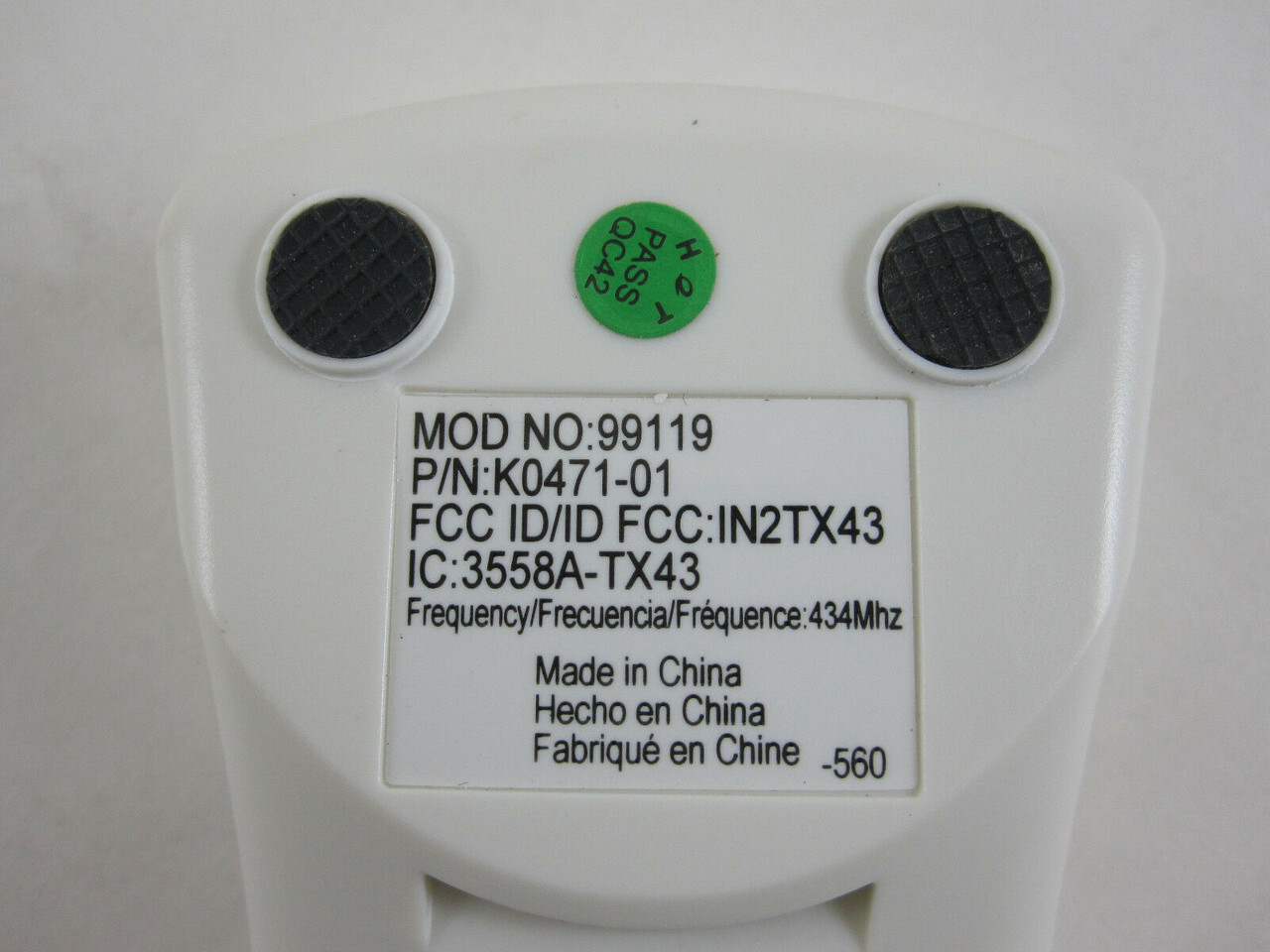
Genuine Original Hunter Replacement Remote Control #99119 For Hunter Ceiling Fans This is a direct replacement for remote # 99119 ONLY Wall Bracket/Cradle not included Wireless receiver not included NOTE: This is NOT compatible with older versions like #27185 that have dip-swicthes Requires 3V CR2032 Battery (included) Part #K0471-01 FCC ID: IN2TX43 FREQ: 434 MHz Part #K0471 must match for compatibility. Please inquire if you're not sure. Pairing Instructions (The remote must be paired before the fan will operate.) - Turn OFF power at the breaker for at least 30 seconds - Turn ON power at the breaker - Within 3 minutes of restoring power to the fan, press both the Fan Off button and the High button for at least 4 seconds. Your fan will turn on low to indicate successful syncing. If it does not, turn off power to your fan, wait 1 minute then try again. If using the transmitter with multiple fans, repeat this process for each fan. - IMPORTANT: Use the pull-chain switch on the fan to set the fan speed to the HIGH position before operation.
Specifications
| All Returns Accepted | ReturnsNotAccepted |
| Brand | Hunter |
| Type | Remote Control |
| Power Source | Battery |
| Color | White |
| Model | 99119 |
| Features | Wireless |
| MPN | 99119 |
Genuine Original Hunter Replacement Remote Control #99119 For Hunter Ceiling Fans This is a direct replacement for remote # 99119 ONLY Wall Bracket/Cradle not included Wireless receiver not included NOTE: This is NOT compatible with older versions like #27185 that have dip-swicthes Requires 3V CR2032 Battery (included) Part #K0471-01 FCC ID: IN2TX43 FREQ: 434 MHz Part #K0471 must match for compatibility. Please inquire if you're not sure. Pairing Instructions (The remote must be paired before the fan will operate.) - Turn OFF power at the breaker for at least 30 seconds - Turn ON power at the breaker - Within 3 minutes of restoring power to the fan, press both the Fan Off button and the High button for at least 4 seconds. Your fan will turn on low to indicate successful syncing. If it does not, turn off power to your fan, wait 1 minute then try again. If using the transmitter with multiple fans, repeat this process for each fan. - IMPORTANT: Use the pull-chain switch on the fan to set the fan speed to the HIGH position before operation.
Related Items

![RANVOO 2024 [No.1 Coolest & Most Portable] AICE LITE Neck Air Conditioner, White](https://wp-1.9u.cl/images/yqEAAeSw3YRqJg4i/ranvoo-2024-no-1-coolest-most-portabl-240.webp)